Practical meeting intelligence
Turn every meeting into a clear next step
Practical guides for choosing an AI meeting assistant, answering difficult questions live, capturing decisions, and following through with confidence.
Latest field notes
10 stories
AI meeting assistant vs AI notetaker: what is the difference?
Compare what each tool does before, during, and after a call, then use a six-point checklist to choose the right workflow.
Sales call notes template: what to capture during every demo
Copy a practical note structure, review a completed demo example, and preserve buyer context, reactions, open questions, risks, and next steps.

How to prepare for technical questions during a sales demo
Prepare for security, integration, architecture, implementation, pricing, and product-limit questions with a source-backed workflow.

Sales demo follow-up email: 7 templates for clear next steps
Copy practical templates for demo recaps, technical answers, pricing requests, multiple stakeholders, quiet prospects, and clear next steps.

What to say when you don't know the answer during a sales demo
Use exact scripts to handle an unexpected question, clarify what the buyer needs, protect trust, and create a follow-up that keeps the deal moving.
How to stop missing action items in meetings
Learn why action items disappear in long, multi-speaker meetings, how to capture them manually, and when to use SleekMeeting for summaries, bullet points, and exports.

SleekMeeting vs Cluely
A practical comparison for individual users choosing between real-time answer tools and a browser-based assistant with predictable hour packs, notes, follow-ups, exports, and history.
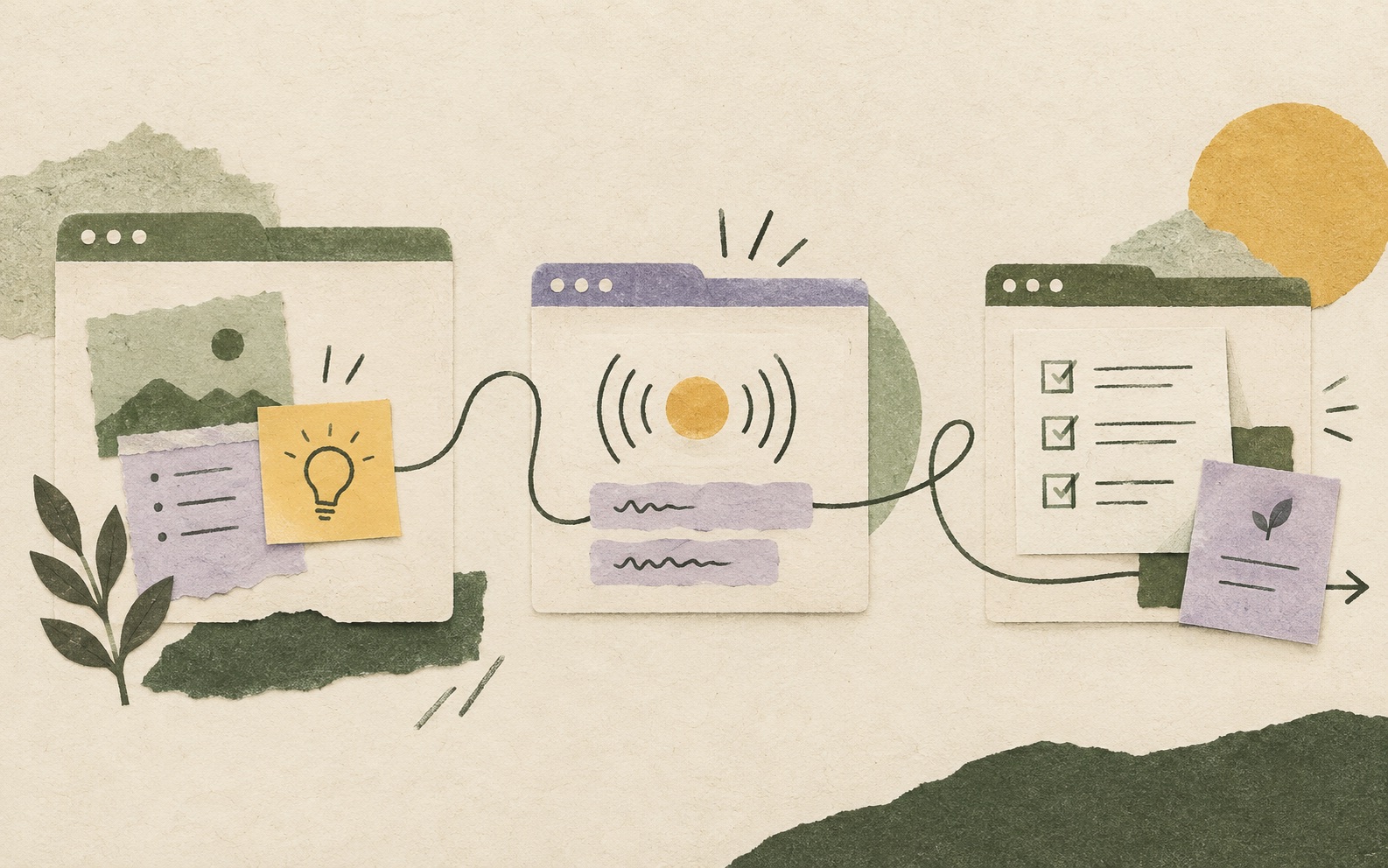
How to use SleekMeeting
A step-by-step workflow for setting context, using SleekAssist live, generating SleekNote outputs, exporting notes, and preparing for the next call.

Predictable AI meeting pricing
Use example hour mixes to estimate costs for live AI answers, lower-cost meeting notes, or both before you buy a monthly pack.
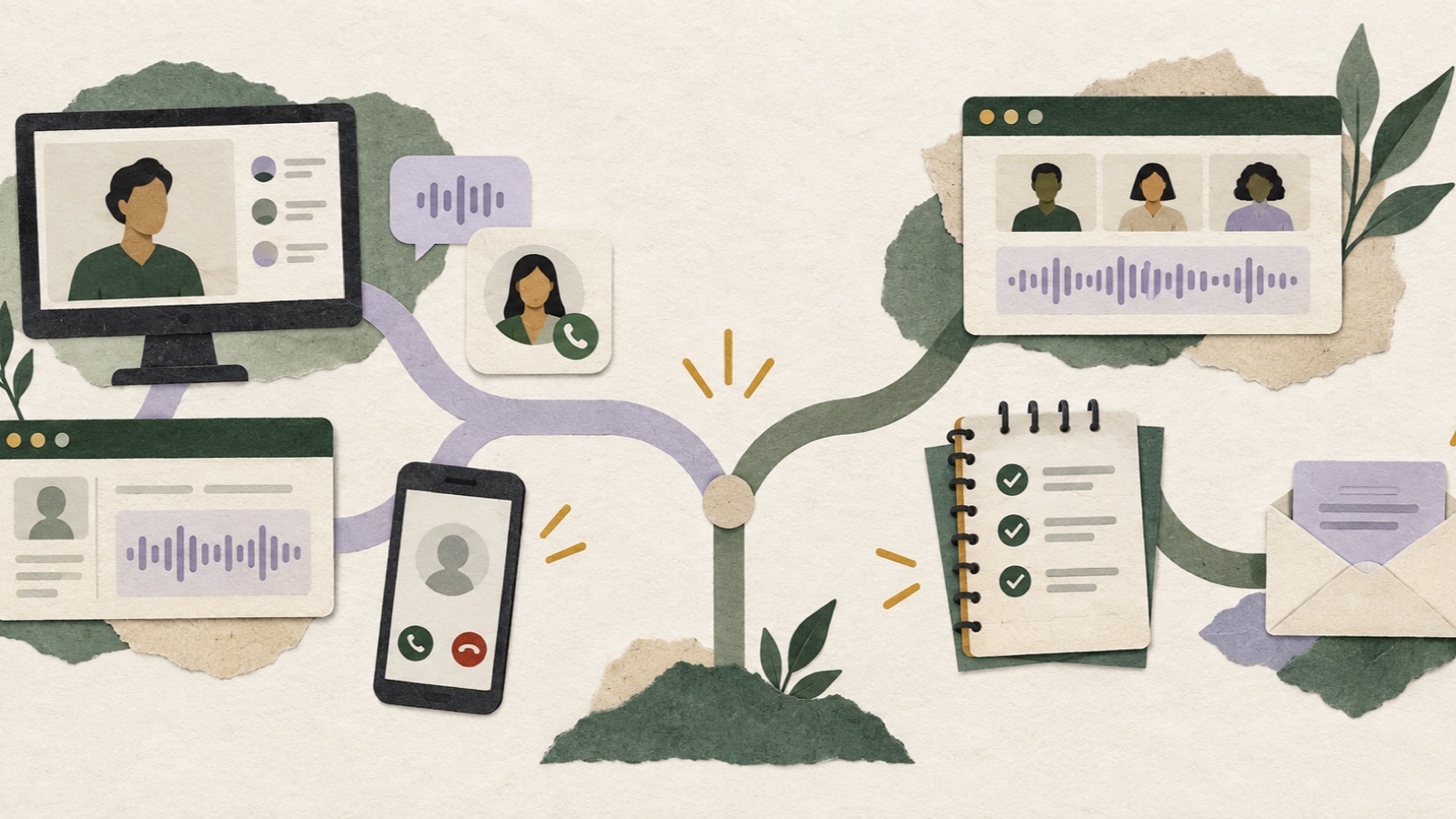
SleekMeeting vs ParakeetAI
Compare live answers, interview tools, notes, desktop and phone access, languages, and pricing to find the right call assistant.
No field notes match that search.
Try a shorter phrase or choose another topic.