Live assistance guide
AI Meeting Assistant That Answers Questions During a Live Call
The useful live-answer assistant is the one that can hear the permitted meeting audio, use your approved context, and show a checkable suggestion before you speak. SleekAssist is a practical no-install option when a user can share a browser tab or screen with audio. Other products may offer proactive detection, document citations, desktop capture, or interview-specific coaching; compare those behaviors rather than assuming every “real-time” claim means the same thing.
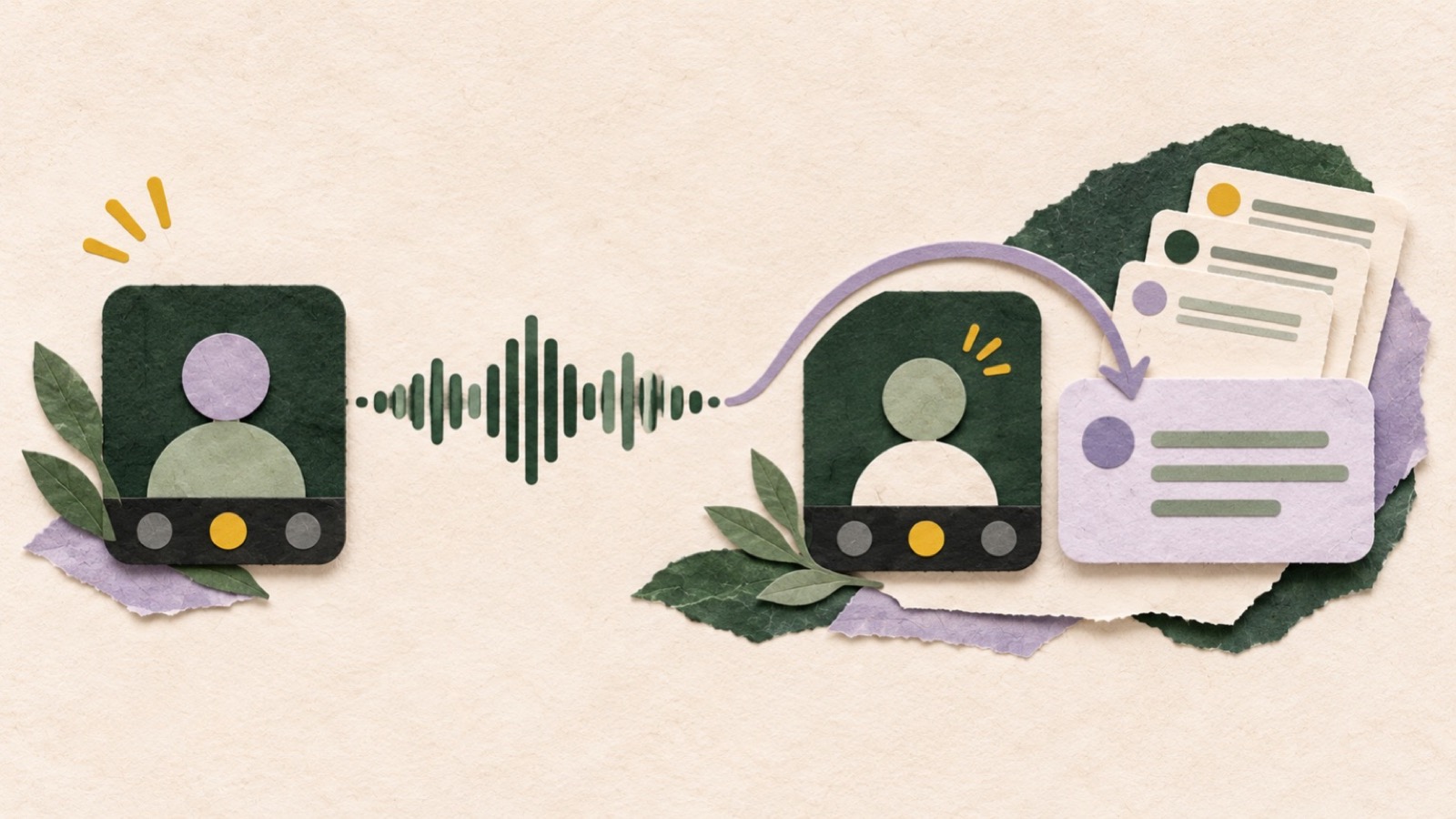
SleekMeeting publishes this guide and is one of the products discussed. Product facts were checked against official vendor sources on November 10, 2026.
Key takeaways
- Prompted assistance waits for you to ask; proactive assistance detects a question and suggests help.
- Source context matters more than speed: upload the material you are allowed to use and verify every answer.
- SleekAssist is a separate live-assistance mode; SleekNote is not active in the same session.
- Browser capture still streams audio to a service backend and requires consent and shareable browser audio.
What is the best AI meeting assistant for live questions?
Choose a tool that separates capture, transcription, retrieval and answer display. For a no-install browser workflow, SleekAssist is practical when the user can manually share the meeting tab or screen with audio. It offers live transcript/contextual answers, one optional PDF/DOC/DOCX context file up to 10 MB, and optional manually triggered screenshot analysis. It does not silently attend calls, and it cannot promise compatibility with every native meeting client.
Choose a desktop or bot-based product instead when automatic attendance, broad archives, or native-system audio is more important than a deliberate browser start.
Prompted versus proactive assistance
Prompted help
You press a control such as “answer the last question,” select a topic, or ask the assistant directly. This gives the user more control and reduces unsolicited suggestions, but it requires attention at the moment the question lands.
Proactive help
The assistant detects a question or an uncertainty signal and prepares a suggestion. This can feel faster, but false positives, context drift and overconfident wording matter. A product should make it easy to ignore, inspect, or correct the suggestion.
Grounded help
Grounding means the answer is based on supplied documents, a knowledge base, or the conversation. A citation or source passage is useful, but it is not proof that the answer is correct. Keep pricing, security, legal and product commitments under human control.
A responsible live-answer test
- Use a browser meeting tab in the exact operating system and browser your team permits.
- Wear headphones and share the meeting tab with audio; verify that remote audio and your microphone are both available.
- Ask a known question whose answer is in an approved document, then ask an ambiguous question.
- Check latency, source context, wording, and whether the assistant shows uncertainty.
- Stop sharing and confirm that capture ends. Delete test content according to the vendor's documented controls.
Do not use a live assistant to misrepresent expertise or answer questions you have not verified. Tell participants when required by law, employer policy or meeting rules.
Which workflow fits?
- SleekAssist: selected browser calls where no install or bot is preferred and live context matters.
- Document-grounded browser tools such as VoxTrace: buyers who want visible source passages and a proactive or prompted answer model; verify current pricing and capture claims.
- Interview-focused assistants: candidates who need mock interviews or coding support rather than meeting follow-up.
- Cloud notetakers: teams whose priority is automatic attendance, transcripts and post-call search.
For a platform-neutral explanation of capture, see how browser assistants capture audio. For a broader comparison, read real-time assistant alternatives.
Frequently asked questions
Can a live assistant answer every question accurately?
No. It can miss speech, use stale context or infer beyond the source. Treat it as a draft and verify consequential answers.
Does SleekAssist take notes at the same time?
No. SleekAssist and SleekNote are mutually exclusive modes. Start a Note session separately when structured follow-up is the goal.
Does no bot mean nobody needs to know?
No. Consent duties depend on the law, workplace and meeting context, not on whether a participant tile appears.
Can I use a native Zoom, Teams or Meet app?
The documented SleekMeeting workflow relies on shareable browser audio. Test the web client route you intend to use; do not generalize it to every native app.
Try live help on a low-risk call
Use an approved context file, share a browser tab with audio, and keep the final answer in your own words.
Try SleekAssist freeOfficial sources and methodology
Browser capture and competitor claims were checked November 10, 2026.