


01
During the call
SleekAssist
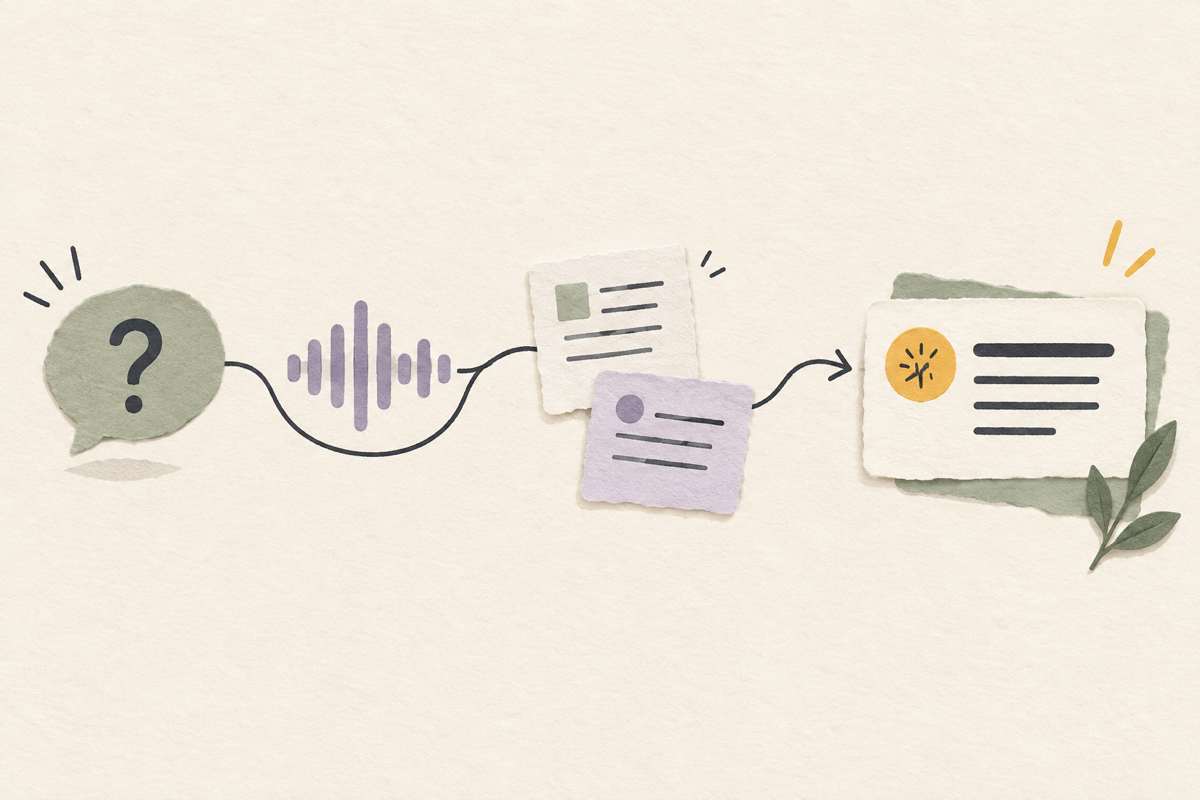
Answers questions live using the conversation and your documents.
No credit card required · Works in your browser · No install needed
Works with every meeting app




One continuous workflow
SleekAssist helps when a question lands. SleekNote turns the conversation into decisions, action items, and a follow-up ready to review.
Answers questions live using the conversation and your documents.
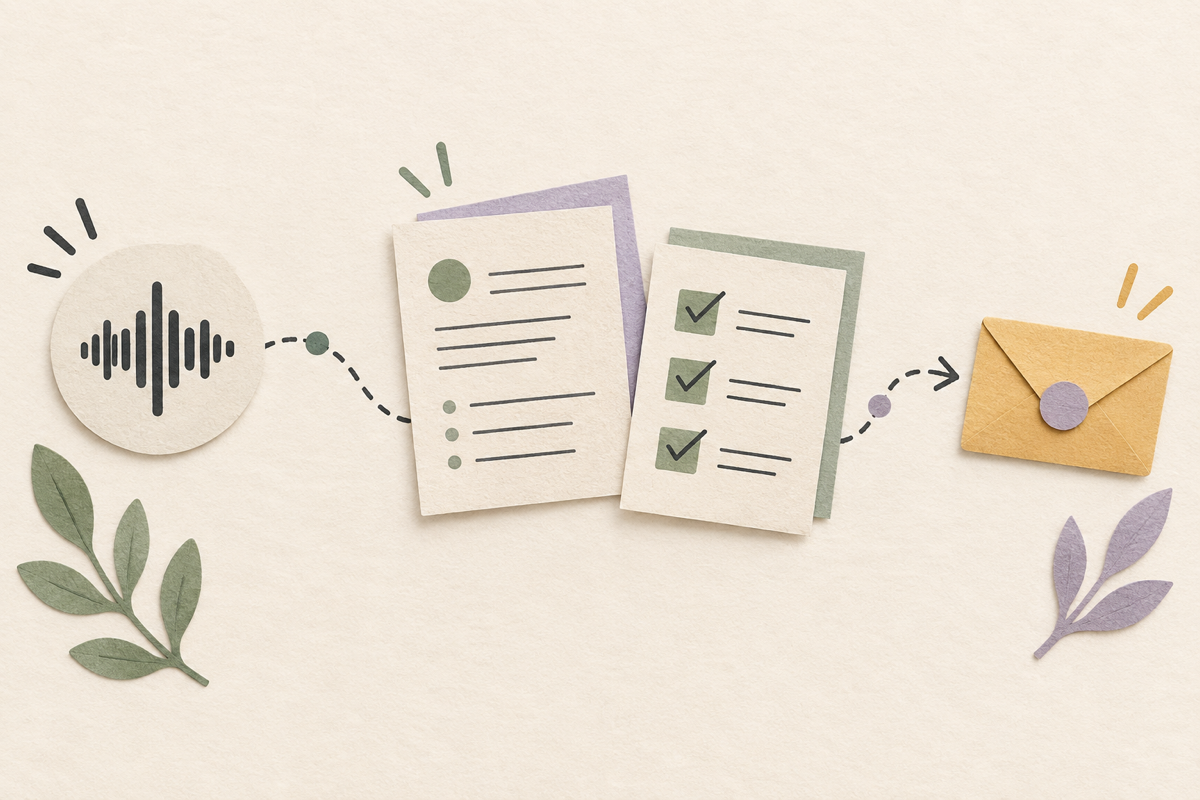
Turns every call into notes, action items, and a ready follow-up.
How it works
No setup. No plugins. No training your team. Open a tab and go.
Open SleekMeeting in a browser tab before the call and set it up in less than a minute.
SleekMeeting listens silently while you talk and helps the moment you need support.
When the call ends, your key outputs are already organized and ready to send.
No video or audio is stored.
Here's how professionals like you would use SleekMeeting to work better in every call.
Gets stuck on pricing or technical questions mid-demo
SleekMeeting gives instant, context-aware answers
Stay confident. Close more deals
Read the sales guide
Loses momentum turning calls into notes and follow-ups
Notes and follow-ups are generated instantly
Finish the follow-up while the context is fresh
Read the consultant guide
Misses key details because of accents and language gaps
Real-time transcription and structured notes keep everyone aligned
Keep everyone on the same page
Read the global teams guideSleekMeeting supports the full flow of a call across Zoom, Google Meet, Microsoft Teams, Webex, and browser-based meeting tools.
Try for freeStart with the right setup so SleekMeeting understands the meeting goal, audience, language, and supporting context from the first minute.
SleekAssist helps live, using transcript and optional screen context to answer questions, clarify details, and keep you confident as the conversation moves.
SleekNote turns the conversation into structured notes, action items, summaries, and follow-up drafts you can review, search, and send where work already happens.
SleekMeeting gives you the right help before, during, and after every call.
SleekAssist detects when a question is directed at you and surfaces an AI-generated answer in real time, using your uploaded documents and the model you choose for the session.
SleekMeeting reads slides, shared screens, and documents visible on your display to provide richer, more accurate AI answers.
SleekNote takes your notes for you and helps with action items, summaries, and follow-up emails as soon as the call ends.
SleekMeeting transcribes and understands conversations in over 20 languages, so language is never a barrier.
Every meeting is saved with its full transcript, AI responses, and notes. Search and revisit past sessions anytime.
Send your meeting notes to Notion or Google Drive in one click, with no copy-pasting, straight into where your team works.
Pick the monthly hours you need for SleekAssist, SleekNote, or both.
Build your plan starting from as little as $10.
Live AI support for client calls.
Structured meeting notes and follow-ups.
Best mix of live help and meeting notes.
More hours for back-to-back meeting days.
Privacy and security
SleekMeeting runs from your browser session, so other participants do not see a meeting bot join the call. Your transcript, AI responses, notes, and follow-up drafts stay tied to your account and are not sold or used for advertising.
Start a session in your own browser tab. No meeting-platform bot joins the participant list, and no extension is required for the core web workflow.
Meeting content is connected to your account history so you can review transcripts, AI responses, structured notes, and action items later.
Google sign-in uses basic profile and email. Drive export is optional and limited to creating or updating note files in the folder you choose.
Review the full Privacy Policy for storage, Google API, and data handling details.
Try SleekMeeting free for your next call, no credit card, no install, no commitment.
Try SleekMeeting free for your next call. No credit card, no install, no commitment.