Sales workflow
AI meeting assistant for sales: stay sharp during demos and follow up faster
A strong sales call depends on what happens in the moment and what happens next. The right assistant helps you answer with confidence, preserve the buyer's exact context, and leave the call with a useful follow-up already taking shape.
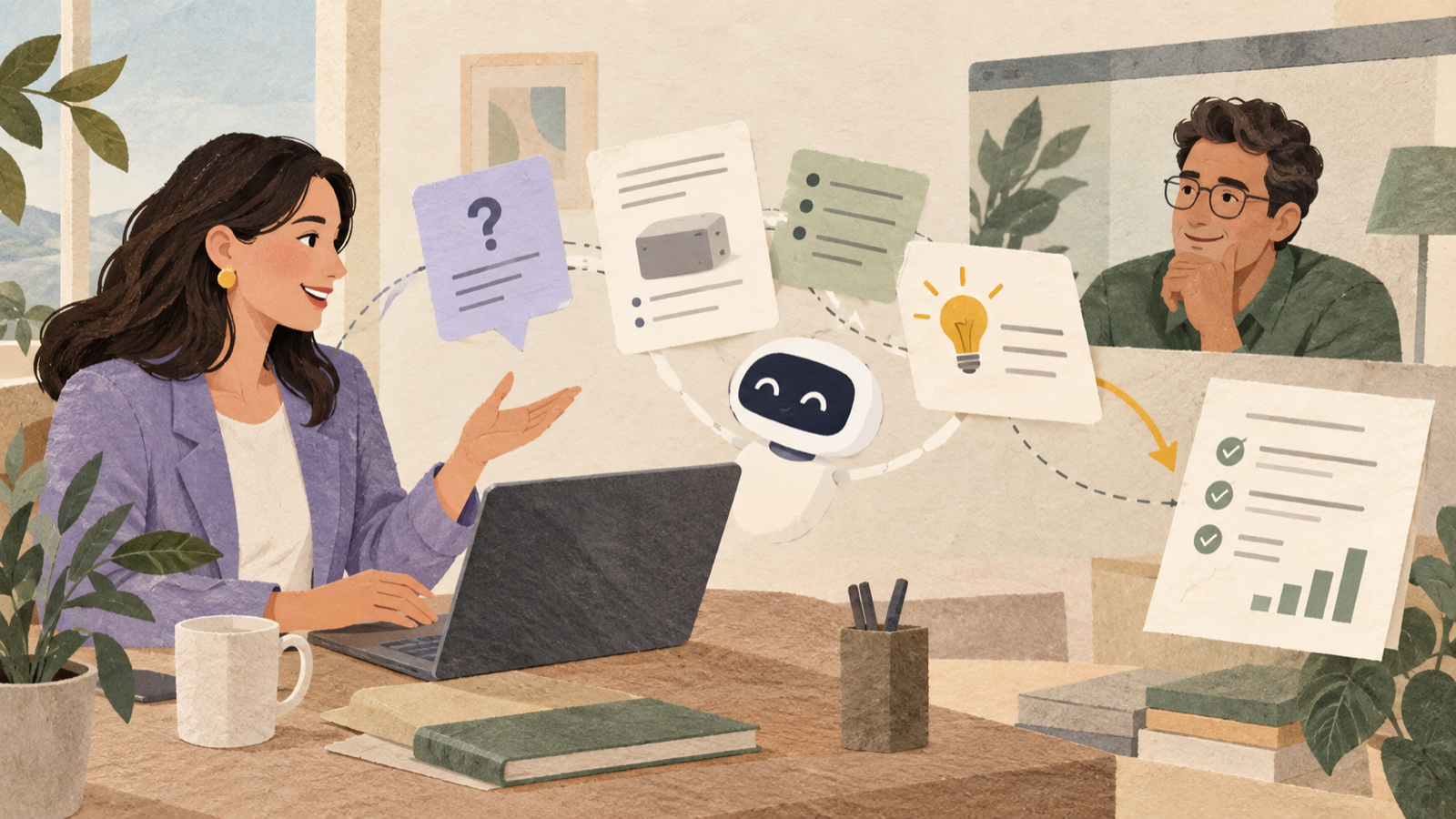
Sales workflow at a glance
- Prepare product, pricing, and technical context before the demo.
- Use live assistance for questions that would otherwise break your flow.
- Capture buyer language, objections, decisions, and owners accurately.
- Send a concise follow-up while the conversation is still fresh.
Where good sales calls lose momentum
Most demos do not fail because the presenter forgot the main pitch. Momentum usually slips during the unscripted parts: a precise pricing question, an unexpected security concern, a comparison with a competitor, or a technical detail that needs a source-backed answer.
Guessing damages trust. Opening several tabs while the buyer waits damages the flow. Saying that you will follow up is often the responsible answer, but only if the commitment is captured and resolved quickly.
An AI meeting assistant should reduce that friction without taking over the conversation. It should help you find relevant context, keep a reliable record, and make the next action obvious.
Prepare the assistant before the demo
Useful live answers depend on useful context. Add the materials you would normally search during a call: pricing notes, security answers, implementation details, product limits, customer examples, and the buyer's agenda.
- Define the likely decision: know what the buyer needs to believe or approve by the end of the call.
- Upload trusted references: give the assistant approved material instead of relying on vague general knowledge.
- List sensitive boundaries: identify claims that require confirmation from legal, security, or engineering.
- Review the last conversation: bring forward promised answers and unresolved objections.
Preparation does not need to become another long task. A short, reliable context pack is more useful than a folder full of outdated documents.
Use live help without sounding assisted
The assistant should stay in your browser and out of the participant list. When a question appears, use the suggested answer as a private reference, then respond in your own voice. This keeps the interaction natural and makes it easier to add nuance.
For questions you can answer confidently
Answer directly, then confirm the buyer's intent. A technically correct response is only useful if it addresses the reason behind the question.
For questions that need verification
State what you know, mark the uncertain detail, and agree on a specific follow-up. Do not turn an AI suggestion into a promise that your team cannot support.
For complex objections
Use the transcript to preserve the buyer's wording. Their exact concern is valuable input for the response, the follow-up, and the internal handoff.
Turn the call into a follow-up that advances the deal
A generic thank-you email rarely creates momentum. A useful follow-up reflects what the buyer said, separates answered questions from open ones, and assigns the next step.
- Restate the buyer's desired outcome in their language.
- Summarize the two or three capabilities that matter to that outcome.
- List open questions with an owner and expected response date.
- Confirm the next meeting, review, or decision.
SleekNote can turn the transcript into structured notes, action items, and a follow-up draft. Review the draft for accuracy and tone before sending it.
A practical SleekMeeting sales workflow
- Open SleekMeeting before the demo and choose SleekAssist.
- Add the buyer brief and trusted product material.
- Use live answers as a private reference during difficult questions.
- Let the transcript preserve objections, decisions, and commitments.
- Generate SleekNote outputs when the call ends.
- Review the follow-up, confirm owners, and send it the same day.
Frequently asked questions
Can an AI meeting assistant answer sales questions live?
Yes. SleekAssist uses the live transcript, your selected model, uploaded context, and optional screen context to suggest private answers while the call continues.
Does a bot join the sales call?
No. SleekMeeting runs in your browser, so no SleekMeeting participant appears in the meeting.
Should every AI answer be repeated exactly?
No. Treat suggestions as support. Check important claims against approved sources and respond in your own voice.
Stay present when the question gets difficult.
Use SleekAssist for live support and SleekNote for the notes, actions, and follow-up that move the opportunity forward.
Try a sales session free