Global team workflow
Multilingual AI meeting assistant for global teams: clear notes across languages
Global meetings can sound successful while leaving people with different interpretations. Multilingual transcription and structured notes create a shared record of what was decided, who owns the work, and what happens next.
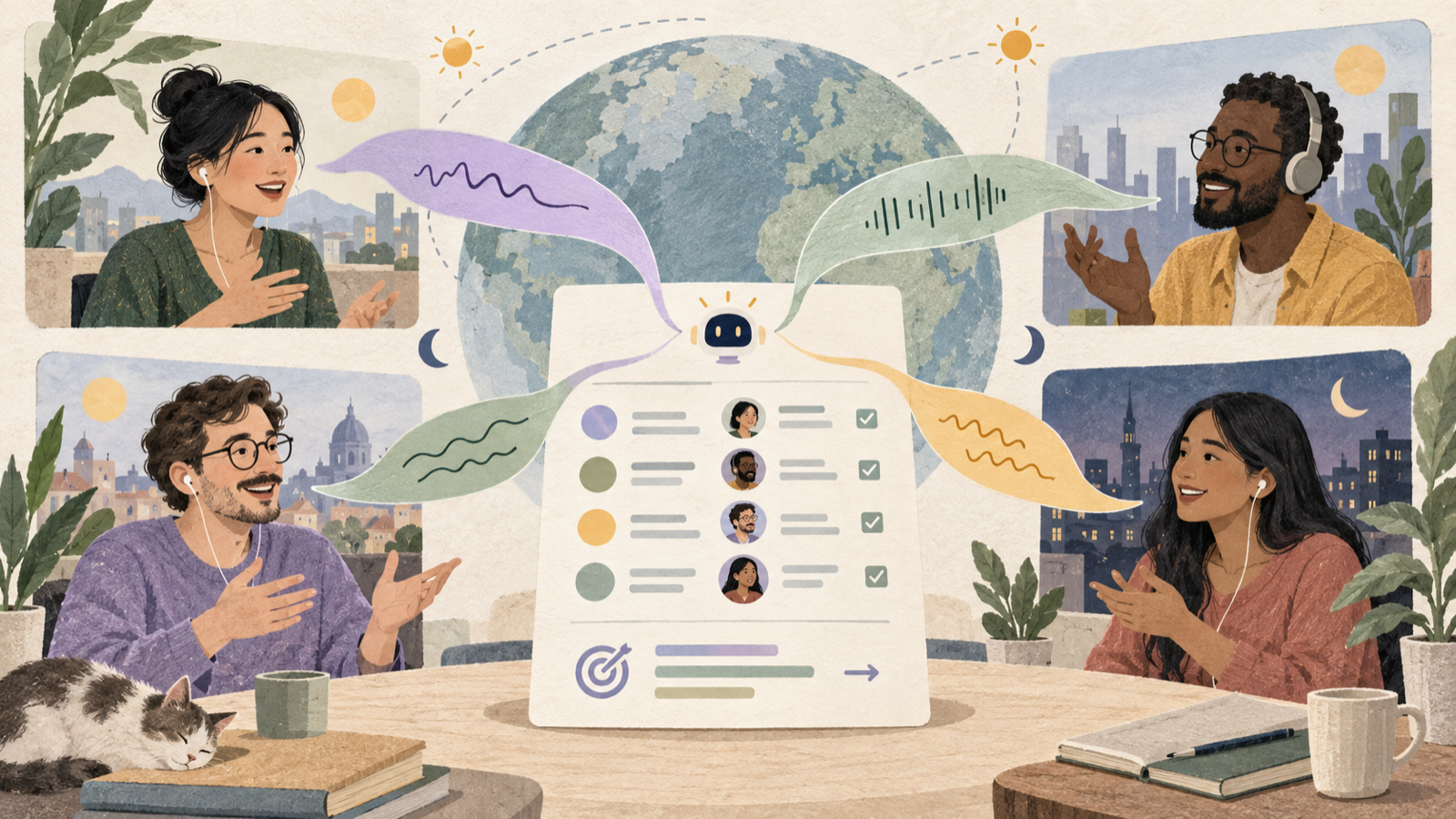
What improves
- People can review exact wording instead of relying on memory.
- Decisions and action items are organized in one shared structure.
- Language switching becomes easier to follow after the call.
- Team leads can confirm understanding before work diverges.
The global meeting alignment gap
Language fluency is only one part of multilingual communication. Accents, audio quality, local terminology, cultural communication styles, and fast turn-taking all affect what people understand.
A participant may follow the broad discussion but miss a condition attached to a decision. Another may understand the task but not the deadline. The meeting ends with polite agreement, then the work separates into different interpretations.
A transcript does not replace careful facilitation, but it gives the team something concrete to review. Structured notes make that record useful by separating discussion from decisions and actions.
Prepare for language clarity before the call
- Share an agenda early: participants can prepare vocabulary and context before the live discussion.
- Define important terms: explain acronyms, product names, and local shorthand.
- Choose the session language: set the expected language while allowing natural switching when needed.
- Add source material: upload the brief, plan, or specification that should guide live answers.
Clear preparation lowers the cognitive load for everyone, especially people participating in a second or third language.
Use the live transcript as an alignment surface
SleekMeeting supports real-time transcription in more than 20 languages. Team members can use the transcript to recover a missed phrase, confirm a name or number, and follow the conversation when audio quality drops.
When the conversation switches languages
Language switching is common in global teams. Preserve the original wording in the transcript, then make the final decision explicit in the working language used by the team.
When accents or terminology cause uncertainty
Ask a short confirmation question. “To confirm, are we agreeing that Maya owns the revised plan by Thursday?” is more useful than allowing uncertainty to survive the call.
When a question needs context
SleekAssist can use the live transcript and uploaded material to suggest a private response. The team lead can then explain it clearly in the language and level of detail the group needs.
Create one shared record after the meeting
Do not send the full transcript as the only output. Most people need a concise record that distinguishes information from commitment.
- Summarize the outcome in plain language.
- List decisions separately from discussion points.
- Give every action one owner and one due date.
- Keep unresolved questions visible.
- Invite corrections where language may have affected interpretation.
SleekNote generates a structured draft from the conversation. Review names, numbers, specialist terms, and commitments before sharing it with the team.
A practical workflow for a global team lead
- Set the meeting language and add the relevant brief.
- Start transcription before the working discussion begins.
- Use clear confirmation questions for decisions and ownership.
- Generate structured notes and actions after the call.
- Review language-sensitive details with the responsible participant.
- Export the final record to Notion or Google Drive.
- Open the previous record before the next meeting.
Frequently asked questions
How many languages does SleekMeeting support?
SleekMeeting supports real-time transcription in more than 20 languages.
Can multilingual notes replace a human translator?
No. AI transcription and notes can support routine collaboration, but high-stakes legal, medical, regulatory, or contractual conversations may require a qualified human interpreter.
Does SleekMeeting join as a visible meeting bot?
No. SleekMeeting runs in the user's browser tab and does not join the participant list.
Give every team one clear version of what happens next.
Use multilingual transcription, structured notes, and explicit action items to keep global work aligned.
Try a multilingual session free